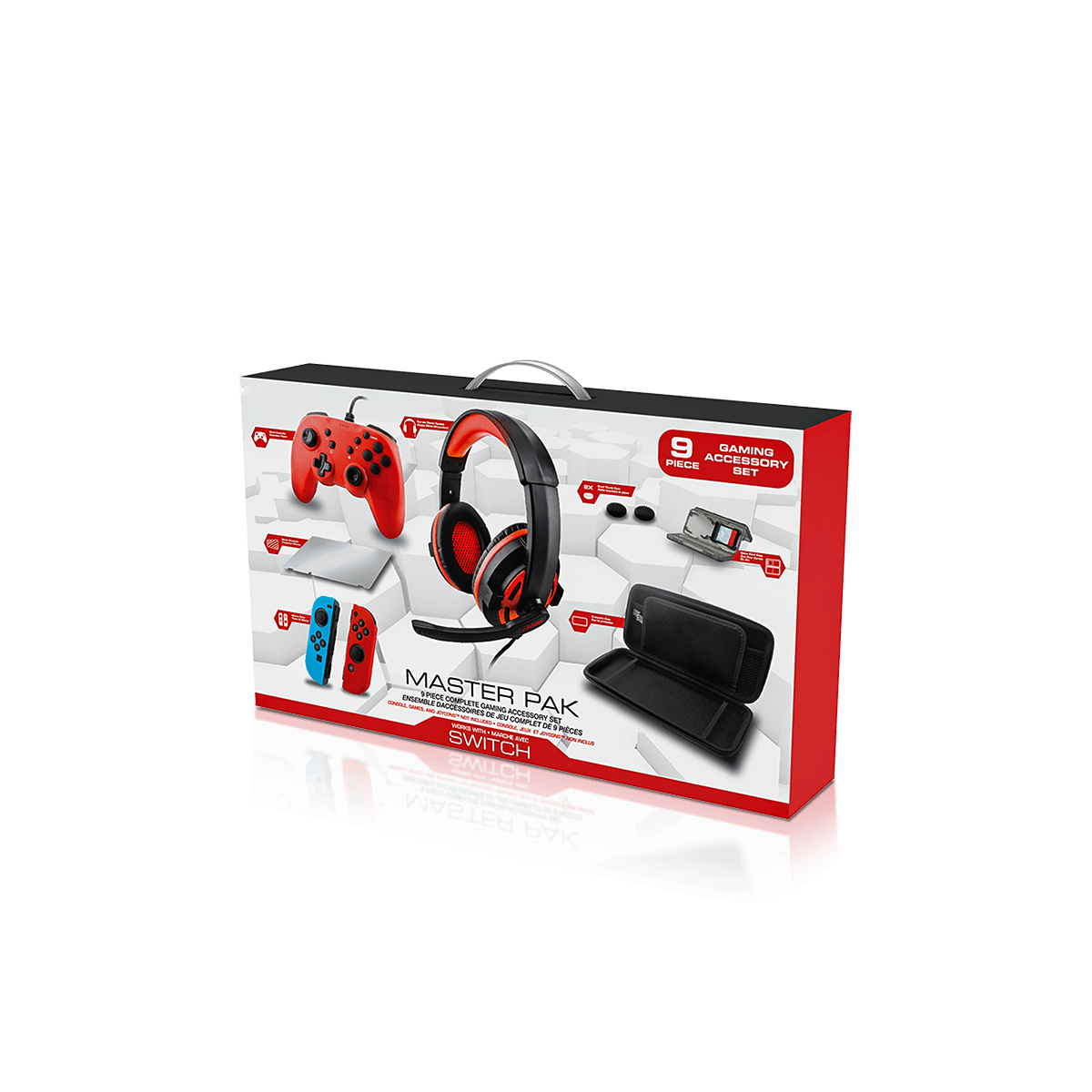
Custom Tech Product Packaging
Launch smart devices and emerging hardware with packaging that explains the product, organises every part and adapts as models, accessories and artwork change.
Free Design Support
Clear Pricing
Flexible Quantities
Unlimited Customization
Premium Materials
Offset Precision
Free Shipping
Quick Turnaround
Custom Tech Product Packaging for Smart Devices and Connected Hardware
Custom Tech Product Packaging should explain a new device quickly, protect its delicate features and place every included part in a clear order. It can suit smart home hubs, trackers, creator tools, connected controls, portable readers and other hardware that does not fit a familiar retail description.
New technology often needs more explanation than an established product. The customer may need to know what the device does, what it connects to and which parts are included before deciding to buy.
The box must answer those questions without becoming crowded. It must also hold screens, sensors, buttons, cables, mounts and adapters in the correct positions.
The wider Custom Electronics Packaging work covers devices and accessories across the sector. Custom Tech Product Packaging has a sharper focus on emerging products, launch presentation and hardware that may change as new versions are released.
Smart home and connected devices
Sensors, hubs, trackers and small controllers may include mounting parts, power leads and setup cards. Each item needs a defined position and the main panel needs a plain explanation of the product purpose.
Creator and desktop tools
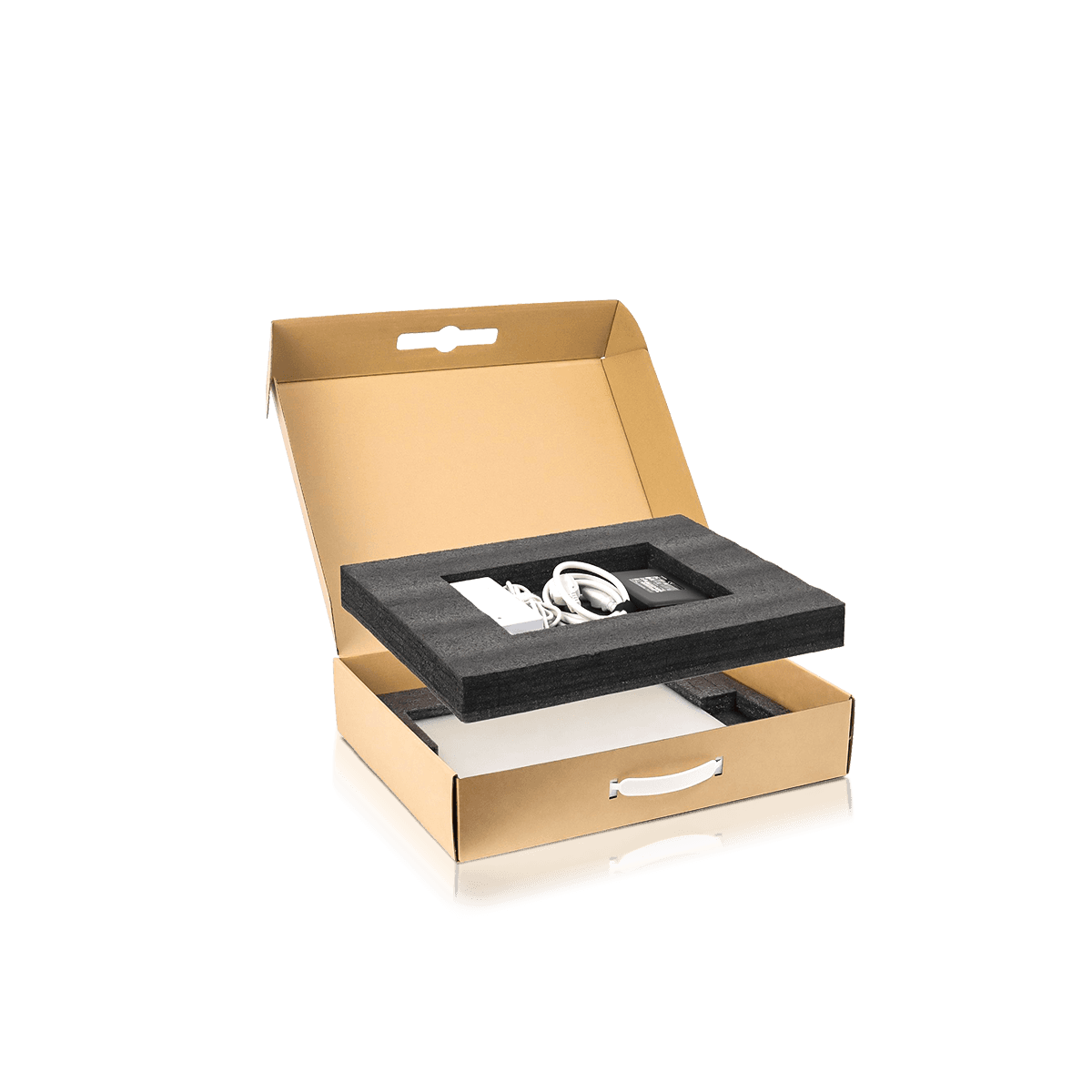
Control pads, compact audio tools, portable lights and desk accessories often include stands, cables or receivers. A layered insert can keep the main device visible while smaller parts remain organised.
Specialist portable hardware
Compact scanners, readers, monitoring devices and field tools may need stronger board, direct handling details and a layout that supports storage after first use.
Explain an Unfamiliar Product at First Glance
Custom Tech Product Packaging should tell the customer what the device is, what it works with and why it is useful from the main display panels.
A vague product name or a wall of icons can make new technology harder to understand. Start with the device name and one plain description of its role. Add the most important compatibility or connection detail next.
Lead with the product purpose
Use wording that describes the real function. A customer should not need to decode a lifestyle image or marketing phrase to understand the item.
Show compatibility in one fixed area
Place the supported system, connection type or intended device in a set position. Keep that position consistent across related models.
State what arrives inside
List the device, cable, adapter, receiver, mount or stand that comes with the product. The printed contents should match the inner layout exactly.
Arrange the Opening Around First Use
The opening sequence should make a new tech product feel simple. Custom Tech Product Packaging can reveal the device first, followed by the parts needed for setup.
A top tray can hold the main item. The charging lead or receiver may sit beside it. Mounting parts can occupy a labelled paper pocket. Instructions should appear before the customer starts searching for them.
Present the main device first
A centred first level gives the product a clear reveal. It also helps staff confirm the correct model and colour before closing the box.
Keep setup parts within easy reach
The first cable, adapter or stand should not sit beneath several unrelated pieces. Place it where the customer naturally looks next.
Control small hardware
Clips, screws and compact adapters need closed pockets or shaped cavities. Loose metal parts can mark the device or slip beneath the tray.
Protect Screens, Sensors, Ports and Controls
The insert should support strong areas and leave delicate features untouched. Custom Tech Product Packaging needs a contact map before the inner structure is designed.
Mark the case edges, base and other firm points that can accept light pressure. Then identify screens, lenses, vents, aerials, sensors, ports and raised controls that need open space.
Custom Electronics Insert Boxes can use folded bridges, side supports and lower compartments when the internal layout carries most of the protection.
Keep raised parts inside open zones
A dial, lens or button may extend past the main body. Give it enough side and lid clearance so the box cannot press or activate it.
Spread dense weight across the base
A small device may still be heavy. Broad paperboard supports or corrugated cradles can spread the load more safely than one narrow tab.
Allow easy removal
Finger notches, open corners or paper pull tabs help customers lift flat and deep products without pulling on cables or connectors.
Choose the Structure Around Value and Use
Custom Tech Product Packaging may use a paperboard carton, rigid presentation box or printed inner box inside a corrugated outer. The best choice depends on product weight, value and the way it reaches the customer.
Custom Folding Cartons and Tuck Boxes suit compact products that need clear print panels and efficient storage before filling. A stronger locking base may suit a dense control unit or device set.
Custom Rigid Boxes can suit premium launches, founder editions and gift presentation. The insert should still hold every part closely rather than relying on oversized empty space.
Paperboard cartons for everyday retail
Paperboard can suit sensors, trackers, smart accessories and small controls. A folded tray may raise the device and create space beneath it for a cable or booklet.
Rigid boxes for high-value releases
A lid-and-base or drawer structure can slow the opening and reveal the main device before supporting components.
Corrugated protection for delivery
A close outer carton protects print, corners and raised finishes. It should limit movement without pressing on the retail box.
Reserve Space for Technical Details Early
Tech products often need model information, compatibility text, barcodes, contents and setup details. Custom Tech Product Packaging should reserve these areas before artwork fills the available panels.
Use the front for the product name, purpose and strongest feature. The top or spine can repeat the model for shelf and storage checks. Side and rear panels can hold specifications, contents and instructions.
Create fixed information zones
Keep model, colour, connection and version details in repeatable positions. This makes later artwork changes easier to check.
Use diagrams where they add clarity
A simple mounting or connection diagram may explain more than a long paragraph. Keep it large enough to read and away from folds or glue areas.
Keep finishes clear of small text
Foil, embossing and spot gloss can highlight a logo or edition name. They should not cross compatibility details, barcodes or setup wording.
Give Setup and Support a Clear Place
A good tech box can reduce confusion before the product is switched on. Custom Tech Product Packaging should place the essential first step where the customer will see it.
A short setup card can sit under the lid, above the device or inside a slim paper pocket. A clearly labelled QR code may direct customers to approved instructions, an app or support content.
Keep the first instruction short
Lead with one simple starting action. Longer technical details can sit in a booklet or approved digital resource.
Separate help from promotional wording
Support details should be easy to locate. Do not hide them among feature claims or decorative copy.
Match every card to its model
When several devices share the same outer dimensions, confirm that the setup card, artwork and physical product all carry the same version.
Prepare One Product for Retail, Gifting and Delivery
One product may appear on a shelf, enter a launch gift or ship directly to a customer. Custom Tech Product Packaging can keep the branded inner box consistent while the outer protection changes.
Retail presentation needs clear product details. Gift presentation needs an ordered reveal. Ecommerce delivery needs resistance to scuffs, labels and parcel handling.
Retail shelves and peg hooks
The front and top panels should identify the product from more than one angle. A loaded hang tab needs testing when compact devices are displayed on hooks.
Launch gifts and review units
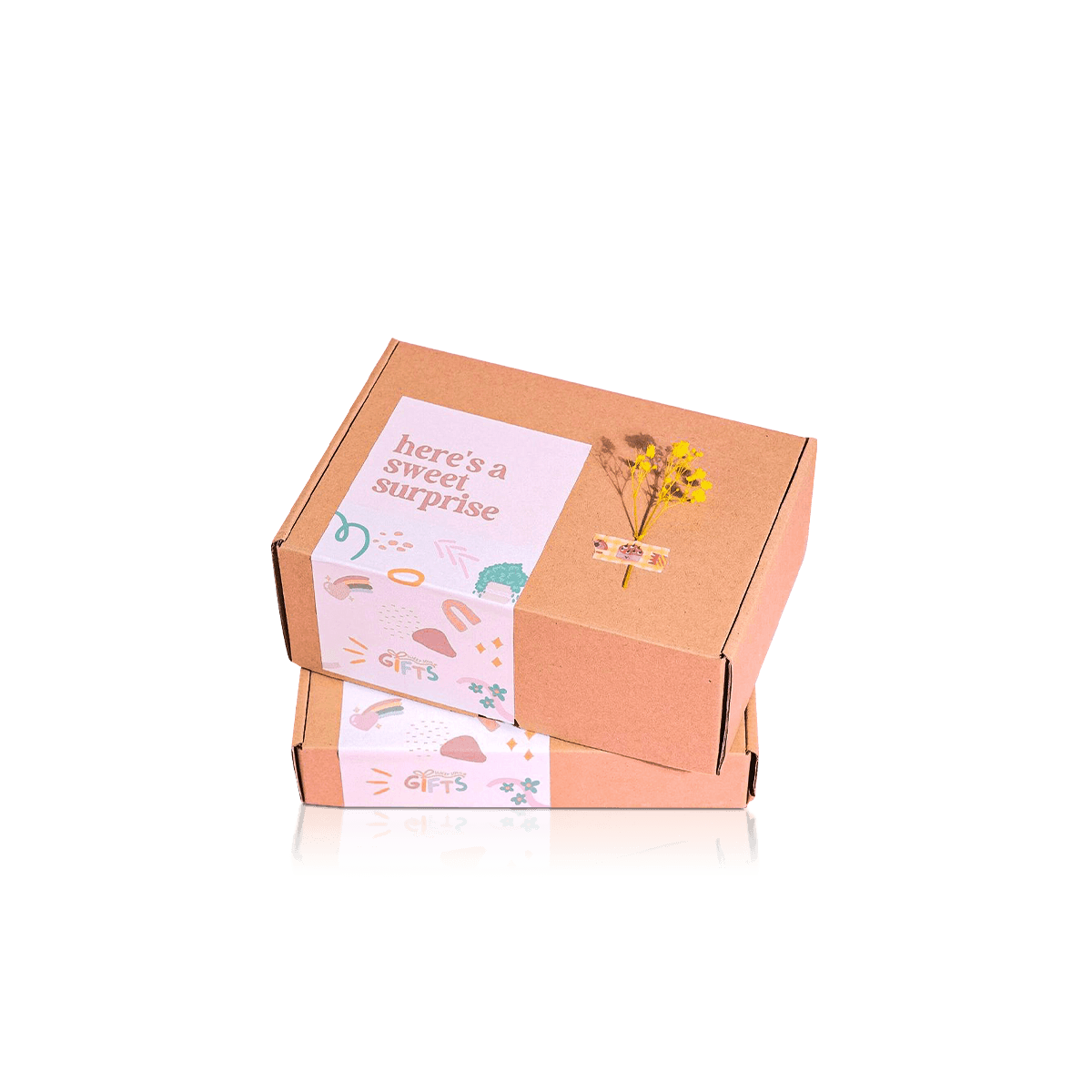
A deep tray, printed sleeve or rigid box can support early customer releases, media presentation and event use.
Direct online orders
A close corrugated outer keeps courier labels and tape away from the printed box. It also stops the inner carton gaining speed inside excess empty space.
Adapt the Packaging as the Hardware Changes
Tech products often change after launch. A new housing colour may affect print only. A moved port, larger adapter or revised mount can change the insert and outer dimensions.
Custom Tech Product Packaging should separate fixed brand elements from variable product details. Keep the logo, type style and general panel order steady. Give model, version, colour and included parts their own areas.
Separate print changes from fit changes
A software update may not affect the box. A thicker case, new bracket or larger power part may require a new cavity. Review the physical product before reusing an earlier insert.
State quantities by version
An order of 2,000 boxes may contain several models, colours and tray layouts. Give the amount for each artwork and structure so pricing reflects the actual split.
Keep approved files together
Store the outer dieline, insert drawing, artwork and loading image under one version name. This reduces the risk of pairing the wrong tray with a similar device.
Test the Complete Hardware Set
Custom Tech Product Packaging should be tested with the real device and every included part. An empty carton cannot show weight transfer, cable movement or pressure from the closed lid.
Load the product in the intended order. Close the box and turn it through the positions it may face during storage and delivery. Reopen it and inspect screens, finishes, connectors and small compartments.
A 3D mockup can confirm artwork, folds and general dimensions. A physical sample is more useful when the device has unusual geometry, a layered tray or a dense power component.
Check the opening sequence
Every part should remain in place and lift out without force.
Check the loading process
Repeat the loading steps to find folds that catch, cavities that grip too tightly or actions that slow filling.
Check the delivery outer
Test the retail box inside its planned shipping carton so movement and corner pressure are assessed together.
Send Product and Launch Details for a Quote
An accurate price for Custom Tech Product Packaging starts with the full hardware set and the way it will reach the customer.
Send:
- Device length, width, height and filled weight
- Photos from several angles
- Screens, sensors, ports and controls that need clearance
- Cable, adapter, mount and receiver dimensions
- Manuals, setup cards and other included items
- Intended opening order
- Quantity for each model, colour and artwork
- Retail, gifting or ecommerce use
- Preferred paperboard, rigid or corrugated structure
- Insert and compartment needs
- Artwork status and required date
A simple sketch can show which part should appear first and what may sit beneath the main tray.
Send the complete brief through Get a Quote so the box, insert, print split and delivery layer can be priced together.
FAQs
Related Packaging Styles
How it works
Simple steps from idea to delivery
Tell Us Your Specs
Tell Us Your Specs
Provide size, quantity, printing, and finishes.
Get a Fast Quote

Get a Fast Quote
Instant transparent pricing, no hidden fees.
Design and Approval

Design and Approval
Artwork checks, revisions, and final sign-off.
Produce

Produce
Expert manufacturing to meet deadlines.
Ship to Your Door

Ship to Your Door
Hassle-free, flexible delivery options.
Start Your Custom Packaging Quote
Share your product details, dimensions, quantity and artwork needs. We’ll help choose the right packaging style and send a clear quote.